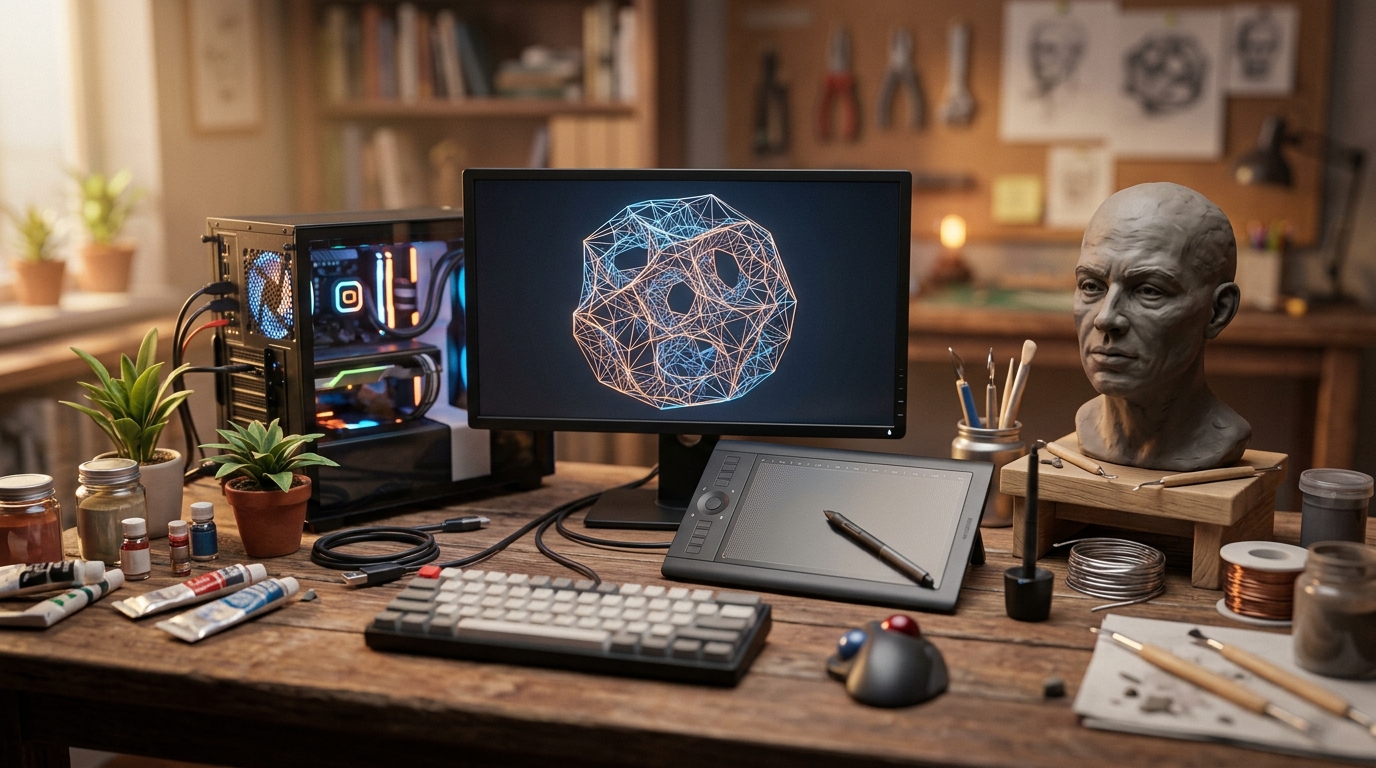
🔥 1. L'attrait principal

No Man's Sky offre un sentiment de liberté cosmique sans précédent, vous plongeant dans un univers entièrement fluide et généré de manière procédurale contenant plus de 18 quintillions de planètes. Le frisson viscéral de se tenir sur un monde extraterrestre inexploré, d'écouter le vent hurlant d'une tempête de radiations, puis de grimper dans son vaisseau spatial pour traverser l'atmosphère sans le moindre écran de chargement crée un état profond d'émerveillement et d'autonomie. La bande-son synthé ambiante et les visuels rétro-futuristes saisissants renforcent un état de flux immersif où la curiosité est votre principal carburant.
Au-delà de la pure exploration en monde ouvert, le jeu s'appuie sur une boucle satisfaisante de gestion des ressources, d'améliorations technologiques et d'expression créative personnelle. Que vous cartographiiez des systèmes stellaires répertoriés, construisiez des avant-postes planétaires élaborés, échangiez des marchandises rares dans des stations spatiales ou découvriez d'étranges anomalies biologiques, l'expérience s'adapte à votre style de jeu. Le jeu offre une évasion apaisante mais continuellement stimulante qui équilibre la tranquillité et le frisson de la découverte de l'espace profond.
🗺️ 2. Le panorama
Naviguer dans le vaste monde ouvert de No Man's Sky dépend grandement de la boucle de jeu principale que vous choisissez de privilégier lorsque vous vous aventurez dans la galaxie d'Euclide.
Exploration planétaire et xénobiologie (Documenter le cosmos)
Se concentre sur la traversée de surfaces planétaires sauvages, le scan d'une flore et d'une faune exotiques, et l'analyse de gisements minéraux pour la collecte de ressources. Les joueurs utilisent des véhicules Exocraft améliorés et des scanners de Multi-outil spécialisés pour cartographier des mondes inexplorés et gagner des unités grâce aux données de découverte.
Construction de bases et gestion de colonies (Établir une empreinte)
S'articule autour de la conception architecturale, de l'extraction minière industrielle automatisée et du leadership de communautés locales sur les planètes choisies ou à bord de gigantesques cargos interstellaires. Les installations matérielles reposent fortement sur les manipulateurs de terrain, les réseaux électriques et les plans de fabrication avancés pour bâtir des havres sûrs et autosuffisants.
Commerce interstellar et commandement de flotte (Maîtrise économique)
Axé sur l'accumulation de richesses grâce aux routes commerciales entre stations spatiales, la gestion des expéditions de frégates et l'achat de vaisseaux spatiaux de haut niveau. Opérer dans cet espace met l'accent sur les distances de saut hyperdrive, l'extension d'inventaire et la négociation d'achats de vaisseaux à travers les systèmes extraterrestres.
Pour les débutants complets, s'en tenir strictement au Mode Normal avec un style de jeu axé sur un seul vaisseau spatial est universellement recommandé : cet environnement équilibré de survie et de fabrication introduit les mécaniques fondamentales sans être trop punitif, vous permettant de maîtriser le vol de base, l'extraction minière et la gestion d'inventaire avant de vous spécialiser.
🛒 3. Kit de départ & budget
Le minimum requis pour le jour 1. Pas de dépenses inutiles, pas d'obstacles.
ℹ️ RokkuWare est soutenu par ses lecteurs. Lorsque vous achetez via des liens, nous pouvons recevoir une commission sans aucun frais pour vous.
![Le Guide Complet pour Bien Débuter sur No Man's Sky #EP1 Tout Savoir sur les Bases du Jeu [Tuto FR]](https://i.ytimg.com/vi/tEAyCz-HxG4/hqdefault.jpg)
![Le MAXI GUIDE pour Bien Débuter 🌟 sur No Man's Sky, Tout savoir sur les bases du jeu ! [Tuto FR]](https://i.ytimg.com/vi/6vNrKEVuVBU/hqdefault.jpg)