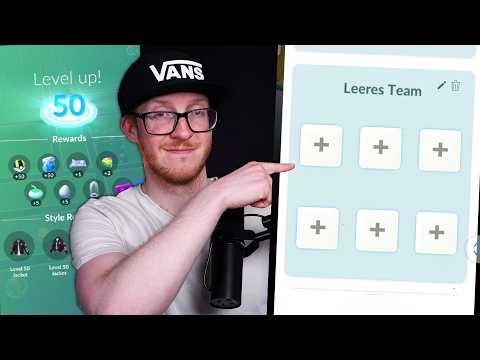

🔥 1. Der Reiz

Pokémon GO verbindet die digitale Welt mit dem physischen Raum und verwandelt alltägliche Nachbarschaftsrunden in aufregende Entdeckungsreisen. Der sensorische Kick beginnt mit dem sanften Vibrieren deines Smartphones, das dich auf ein wildes Pokémon in der Nähe aufmerksam macht, gefolgt von dem zufriedenstellenden Gefühl, wenn du einen präzisen Curveball über deinen Bildschirm schnippst. Jeder Spaziergang wird zu einer Entdeckungstour, bei der du versteckte Kunstwerke, historische Gedenktafeln und Parks entdeckst, die sich mitten in deiner Stadt als PokéStops und Arenen entpuppen.
Abseits des Bildschirms bedient das Spiel tiefe psychologische Bedürfnisse nach gesunder Sammelleidenschaft, Bewegung an der frischen Luft und spontanen sozialen Kontakten. Das Navigieren durch lokale Hotspots führt zu unerwarteten Begegnungen mit anderen Trainerinnen und Trainern, was das einsame Workout in ein gemeinschaftliches Event verwandelt. Egal ob du auf der Jagd nach seltenen Shiny-Varianten bist oder die Synergien deines Teams für Kämpfe optimierst – das Spiel bietet eine belohnende Feedbackschleife, die körperliche Bewegung und strategisches Erkunden verknüpft.
🗺️ 2. Die Landschaft
Bevor du tief in die Spielmechaniken eintauchst, hilft es zu verstehen, dass Pokémon GO je nach deinen persönlichen Zielen und deiner täglichen Routine auf verschiedene Arten gespielt werden kann.
Pokédex-Sammeln (Erkundung & Komplettierung)
Der Fokus liegt auf der Jagd nach wilden Spawns, dem Ausbrüten von Eiern beim täglichen Gehen und dem Erkunden neuer Parks, um regionale Kataloge zu vervollständigen. Die Mechaniken betonen Bewegungs-Tracking, Ei-Brutmaschinen und das Meistern von Curveball-Würfen für höhere Fangraten.
GO-Kampfliga (Kompetitive PvP-Strategie)
Im Mittelpunkt stehen schnelle, taktische Kämpfe gegen Spieler weltweit in verschiedenen WP-begrenzten Ligen. Erfolg erfordert tiefes Wissen über Typen-Effektivität, Energiegewinnung durch Sofort-Attacken, Schild-Management und Statuswert-Optimierung.
Raids & Arenakämpfe (Kooperatives soziales Spiel)
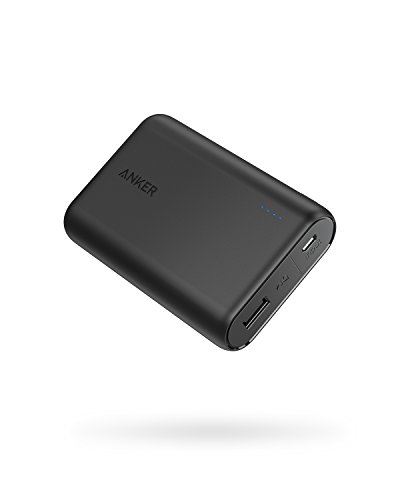
Legt den Schwerpunkt auf Teamwork, indem sich lokale Trainer zusammenfinden, um mächtige legendäre Raid-Bosse zu besiegen und Arenen in der Nachbarschaft einzunehmen. Hardwareseitig sind eine stabile Mobilfunkverbindung und Powerbanks bei zeitlich begrenzten Events wie Community Days von Vorteil.
Für absolute Einsteiger wird ein entspanntes Erkundungs- und Sammel-Setup empfohlen: Das Fangen lokaler Spawns und das Drehen nahegelegener PokéStops verhindert Überforderung, ohne dich schon früh an ein starres Ressourcenmanagement binden zu müssen.
🛒 3. Starter-Kit & Budget
Sorgfältig ausgewählte Mindestausrüstung für Tag 1. Kein teurer Schnickschnack, keine Hürden.


ℹ️ RokkuWare finanziert sich durch Leser. Wenn du über Links kaufst, erhalten wir möglicherweise eine Provision – ohne Zusatzkosten für dich.